S.T.A.L.K.E.R.: Shadow of Chernobyl APK v0.2.9
- Sürüm
- v0.2.9
- Güncelleme tarihi
- 12.10.2026
- Gerekli Android sürümü
- Android 5.0
- Geliştirici
- GSC Game World
- Kategori
- Oyunlar
S.T.A.L.K.E.R.: Shadow of Chernobyl hakkında
S.T.A.L.K.E.R.: Shadow of Chernobyl birinci şahıs nişancı türünde bir oyundur ve tehlikeli Çernobil Bölgesi'nde geçmektedir. Oyuncular, terkedilmiş yerleri keşfederken, ölümcül mutantlarla savaşabilir, gizemli anomali ve tehlikelerden kaçabilirler. Bölgedeki sırları açığa çıkarmak için silahlar toplayabilir ve değerli eserler arayabilirler. Oyun, yoğun düşman karşılaşmaları ile hayatta kalma mücadelesi sunarken, sürükleyici bir hikaye ve etkileyici ortamlar sağlar.
Ekran görüntüleri
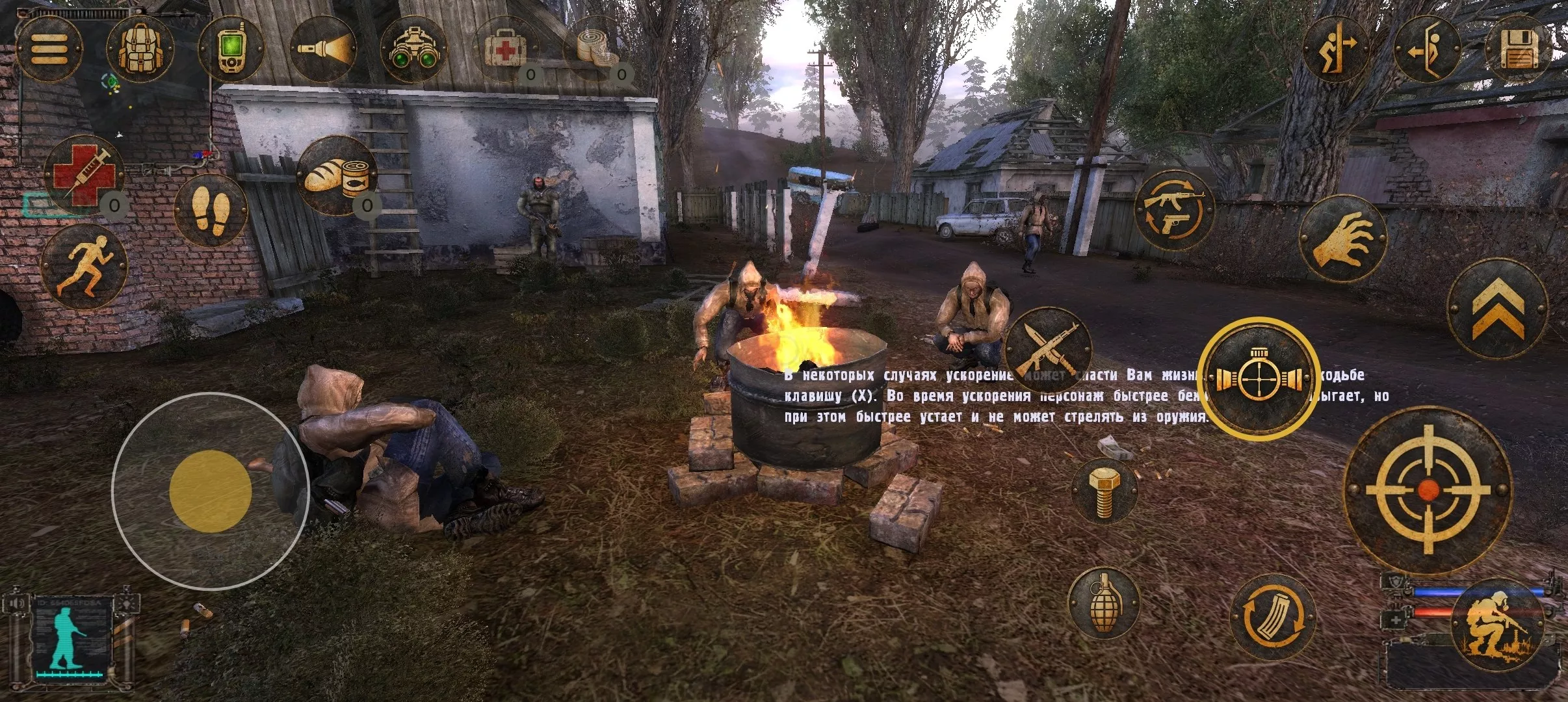
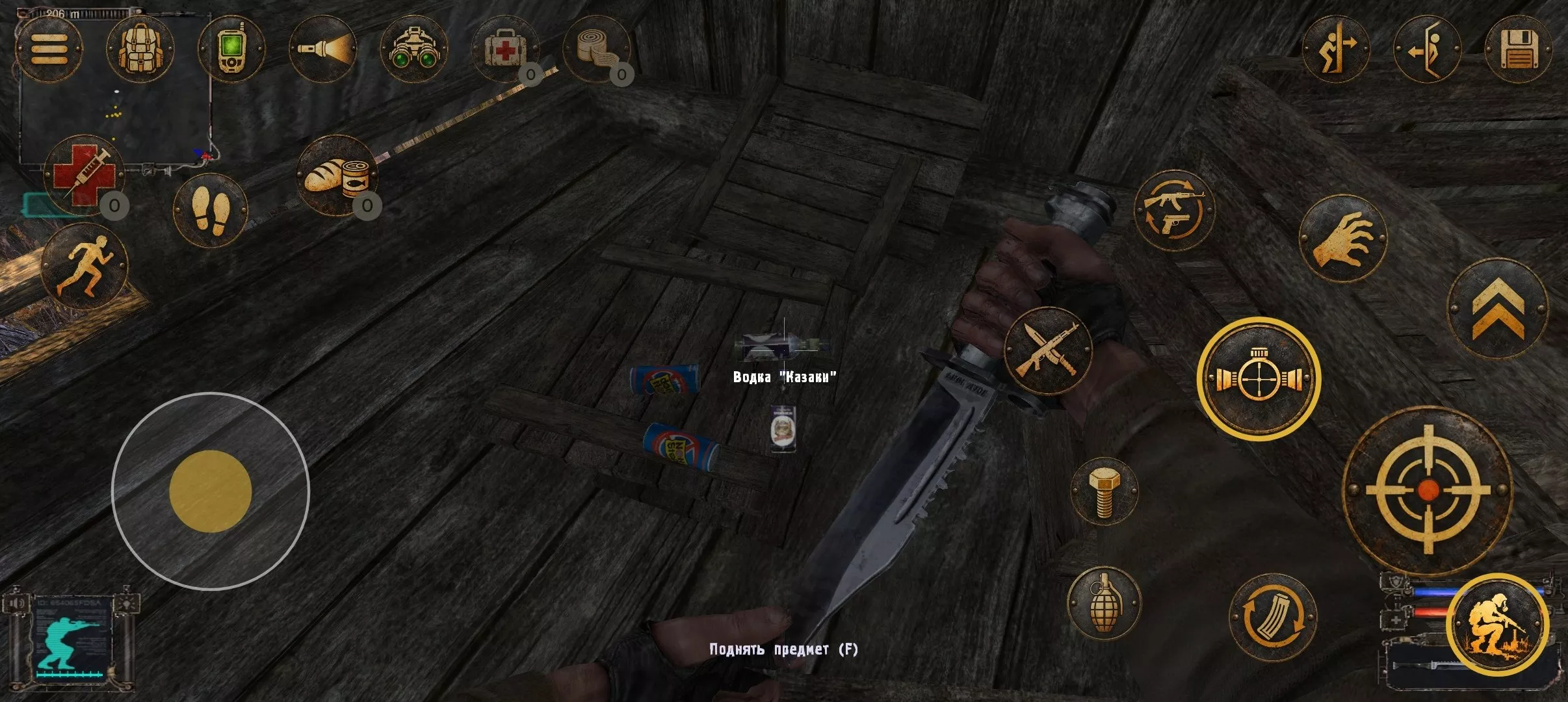
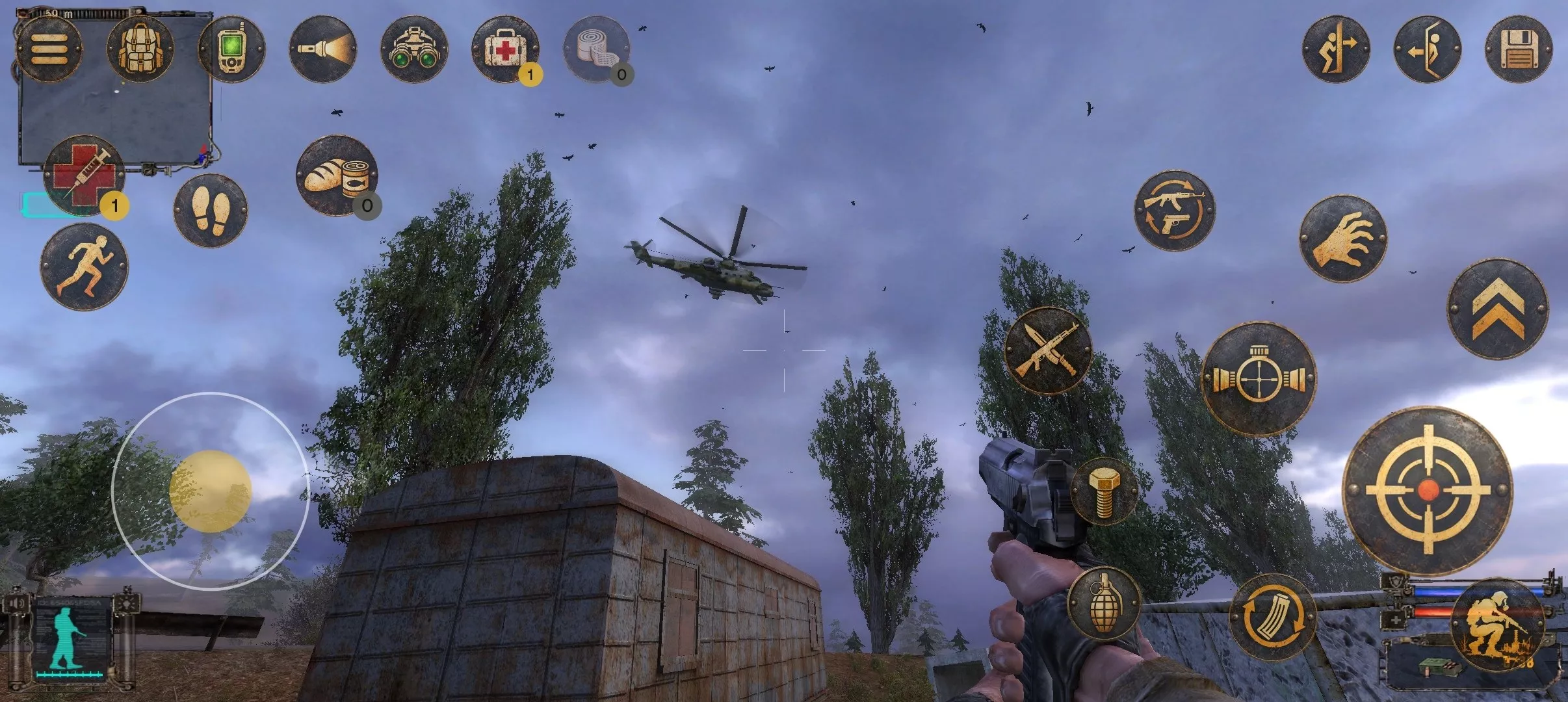
S.T.A.L.K.E.R.: Shadow of Chernobyl indir
Devam etmek için sürümü ve dosyayı seçin.
v0.2.9
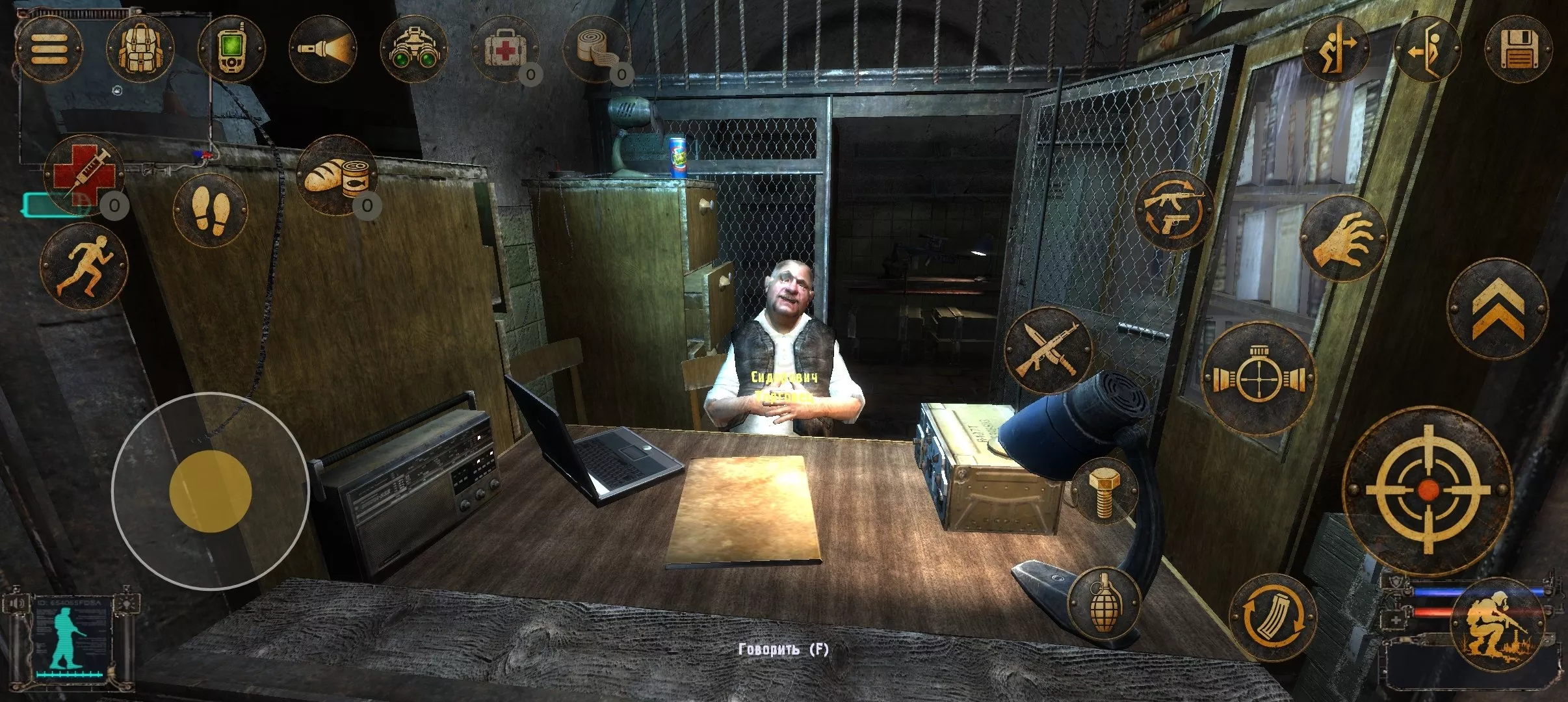
Öne çıkan arm64-v8aThis is an unofficial port of S.T.A.L.K.E.R.: Shadow of Chernobyl for Android with touchscreen controls. Enjoy the game! Note! The Stalker.zip file only supports Russian. How to Install…Devamını okuAçıklamayı gizle
This is an unofficial port of S.T.A.L.K.E.R.: Shadow of Chernobyl for Android with touchscreen controls. Enjoy the game!
Note! The Stalker.zip file only supports Russian.
How to Install S.T.A.L.K.E.R.: Shadow of Chernobyl on Android?
1. Download the APK launcher and the game data ZIP archive.
2. Install the APK file on your Android device.
3. Extract the ZIP archive. You should get a folder named `Stalker` containing 12 game data files (`gamedata.db0` through `gamedata.dbb`).
4. Move the entire `Stalker` folder to your device’s internal storage: `Download/Stalker/`.
5. Launch the game using the installed APK.
### System Requirements
– **Android:** 8.0–14
– **RAM:** 8 GB or more
– **Storage:** Approximately 6 GB of free space
– **Processor:** 64-bit ARM (arm64-v8a) with OpenGL ES 3.2 support
**Important Notes:**
– Configure graphics settings through the launcher before starting the game.
– Avoid changing graphics settings in-game. If necessary, confirm changes by tapping **Apply**.
– To prevent potential issues, exit the game using **Quit Game → Exit to Windows**.